You don’t need a studio or a big audience to earn from your editing skills. If you know how to turn a flat photo into something polished, you already have something people want.
The real opportunity is taking that skill and building income that doesn’t depend on hourly work. Freelance image editing is the first step; then you use the projects, techniques, and looks you create to build revenue streams that keep earning over time.
Why Photo Editors Are Perfectly Positioned for Passive Income
Everywhere you look, someone needs images to look better than good enough. Brands are trying to stand out in crowded feeds. Creators need consistent visuals to keep up with publishing schedules. Tech companies are training AI on huge sets of real photos so their models can understand light, faces, products, and places more accurately.
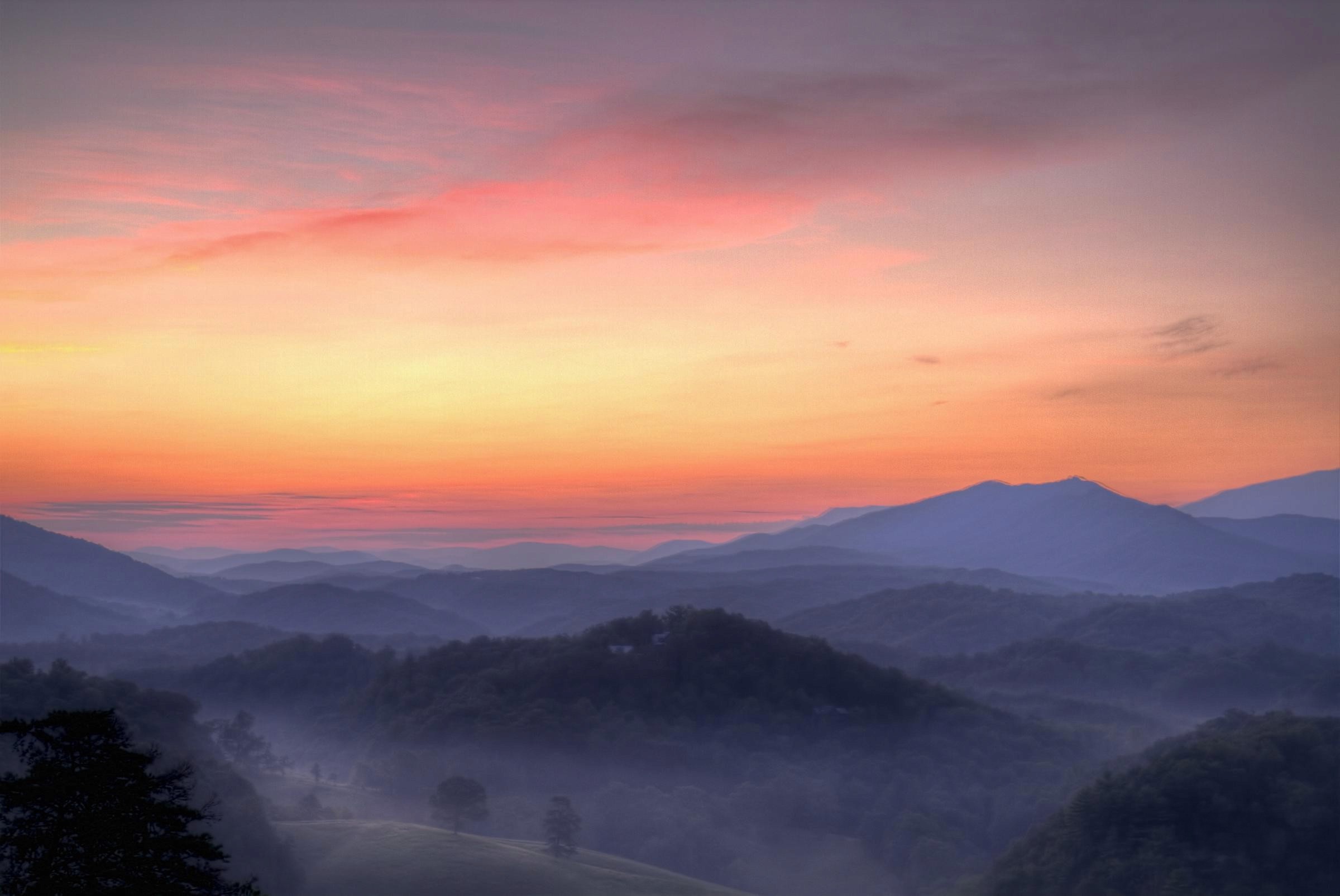
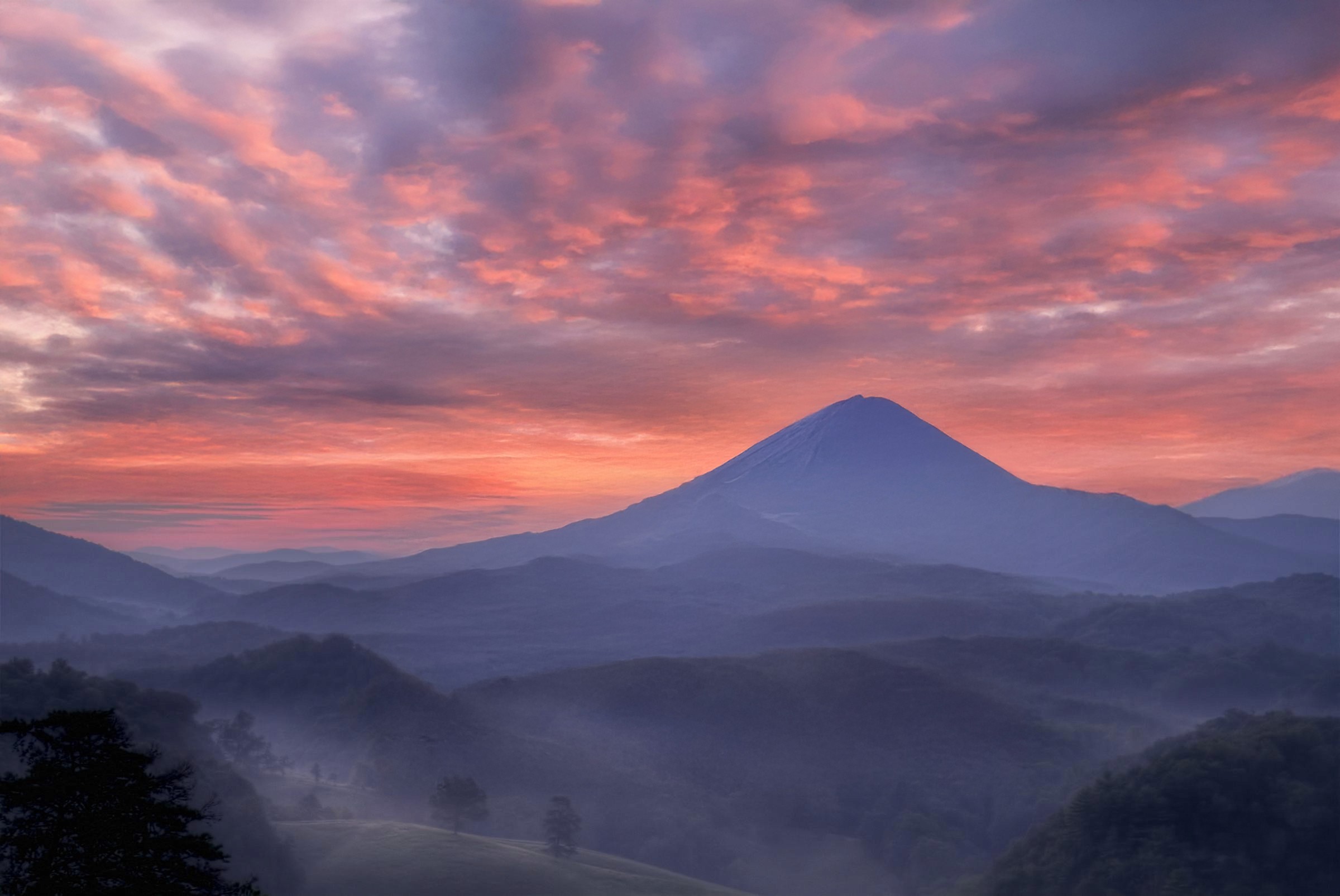
Editing is also one of the rare creative skills that naturally produces reusable assets. The way you build skin tones, the way you handle color in bad lighting, the way you keep a series consistent, all of these could become presets.
Step 1 – Build a Base
Before anything becomes passive, it starts as very real work. To build a base, you first need to decide what you’re actually selling. Most editors making consistent money don’t offer everything.
They have a small, clear menu of services, for example:
Retouching and color work for portrait or wedding photographers
Cleanup and consistency for e-commerce and product shops
Social-media-ready edits for brands and creators
Simple compositing and object removal for marketing teams
Use photography work to feed future assets
If you also shoot, pairing photography with editing gives you a lot more control; and a lot more raw material. When you handle both sides, you can:
Plan shoots around looks you know will translate well into presets
Keep lighting, color, and styling consistent so sets work as stock or course material
Build full visual stories instead of scattered one-off images
Landing your first freelance image editing jobs
If you want people to trust you with their files, you need to show what you can actually do, quickly. A simple starter portfolio is enough:
10–15 strong before/after examples
A mix of portraits, product shots, and lifestyle images
Clear labeling so clients can see the transformation in a second
This doesn’t have to be a fancy website. A single page, a PDF, or even a well-organized online gallery will do. From there, you can start reaching out where clients already hang out:
General freelance marketplaces (think the usual suspects like Upwork, Fiverr, PeoplePerHour)
Local photographers who enjoy shooting but dislike editing
Small brands, studios, or creators who already produce content but don’t have time to polish it
Step 2 – Turn Client Work into Digital Products
Once you have a steady flow of projects, the next move is to stop letting finished work disappear into hard drives. This is where you shift from the per project mindset.
Presets, profiles, and editing templates
If clients keep asking for that look you did last time, you already have a product. The grades you build in Lightroom or Photoshop can be turned into:
Lightroom presets
Camera profiles
Photoshop actions and adjustment layer stacks
Business Insider profiled photographer Charis Cheung, who doesn’t just rely on client work. She also sells her own presets, bundles that let buyers apply her signature look to their own images. In 2022, she brought in five-figure revenue overall, with around $2,000 coming in passively from preset sales alone.
A simple mini-playbook:
Define your style
Look through recent projects and pick 2–4 looks people actually request or compliment.
Stress-test on varied images
Don’t just build for one perfect photo. Test each preset on different skin tones, lighting situations, and locations so it holds up.
Bundle and position
Group related looks—e.g., “Soft Indoor Portraits,” “Neutral Travel Tones,” “Clean Product Whites”—instead of dumping everything into one mega-pack.
Choose a simple sales setup
Host on your own site, Gumroad, Etsy, or a creator marketplace—whatever you can maintain. Add a few before/after examples and a short install guide.
Before–after bundles, overlays, and LUTs
Some clients want plug-and-play assets. To this end, your edited images can become:
Before/after bundles – sequences that show the full transformation from raw to final, layer by layer. Great for other photographers and editors who want to study your approach.
Overlay packs – dust, grain, light leaks, scratches, and textures you’ve made or refined over time.
LUTs – for video creators who like your color but work primarily in motion.
Step 3 – License Your Photos and Edits for Royalties
At this point, your edits and freelance photography are already doing their main job: serving clients. Licensing is how you make those same files earn a second time. To do this, look into classic stock and AI training.
Classic stock platforms
On sites like Shutterstock, Adobe Stock, Alamy, or Wirestock, the process is straightforward:
Upload commercially useful images (with the right releases).
Add titles, descriptions, and keywords.
Earn a royalty when someone licenses your image.
Licensing for AI training (and related roles)
Beyond classic stock, there’s a second lane that a lot of editors and photographers still don’t know about: AI training.
Vision models need large, properly licensed image sets that show real life. Your photos and edits become part of the ground truth the model learns from, so it can recognize and interpret similar scenes more accurately.
In practice, AI training projects often look like this:
You receive a brief with specific scenes or subjects to shoot or select from your archive.
You deliver matching images, sometimes with basic metadata or checkboxes (what’s in the frame, where, how many people, etc.).
You’re paid a set fee per project, per batch, or via a clear licensing agreement.
Step 4 – Set Up Systems That Make Life Easier
This step is all about making your freelance photography jobs and related projects feel less chaotic and more set up.
Automatic delivery for digital products
Use a store platform like Shopify that handles the boring stuff for you:Upload your presets, overlays, or mini-courses once.
Set them up as digital products with instant downloads.
Let the platform send purchase receipts and download links automatically.
Once everything is in place, you’re not manually emailing files to every buyer.
Email automation
Two or three basic email flows are enough to start. You’re giving buyers what they need without writing the same messages a hundred times:A “thanks for buying” email with installation tips or a quick-start video.
A short follow-up a few days later with troubleshooting tips and a reminder of what else you offer.
Template your support and content
Save replies to common questions (install issues, color differences, file types) as templates you can tweak and send in seconds.
Pick one day a month to batch your marketing tasks: sharing before/afters, posting quick reels of your editing process, reminding people of your products.
Use AI tools without losing your style
AI tools are another way to make your setup feel lighter, as long as they’re serving your taste, not replacing it.
Think of them as speed boosters for the parts of editing that are repetitive:
Noise reduction on big batches of high-ISO images
Sky replacement or masking for outdoor shoots where the sky wasn’t cooperating
Batch color matching so a large set feels consistent before you fine-tune
The more AI speeds up the grunt work, the more room you have to focus on freelance image editing work.
You’re already doing the hard part: making strong images and delivering on client work. The next phase is simply using that same editing eye and freelance photography experience a bit more strategically.
Think in layers. Your base is client projects and small freelance gigs. On top of that, you add things that can sell more than once, then you plug in a few simple systems so those pieces run with less input from you.

Can I earn money from photo editing?
What is the highest paying passive income?
How to monetize Photoshop skills?
Can photo editing be a side hustle?